

In today’s fast-paced business environment, effective communication is key to success. Video conferencing has become an essential tool for businesses, allowing teams to connect and collaborate no matter where they are. However, to truly benefit from video conferencing, having the right setup is crucial. In this blog, we’ll explore how the right video conferencing setup can boost your business communication and productivity.
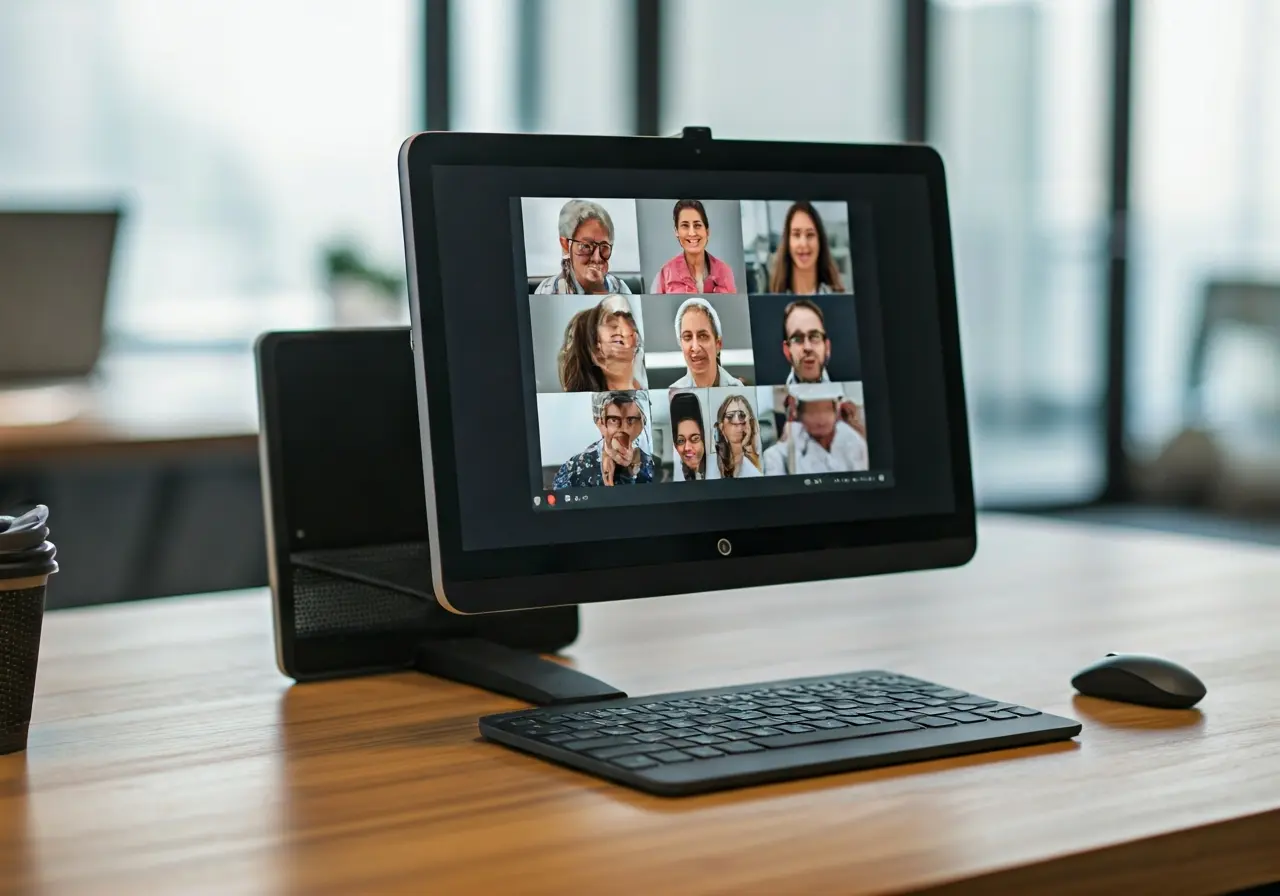
Understanding the Importance of Video Conferencing
Video conferencing has transformed the way businesses communicate. It enables remote teams to meet face-to-face, facilitating better collaboration and decision-making. Understanding its importance helps set the stage for why the right setup is vital.
In the modern world, businesses often have a global presence with employees spread across different locations. This makes real-time communication essential for effective collaboration and workflow management. Video conferencing offers more than just virtual meetings; it bridges the gap between physical distances and enhances team dynamics. When implemented right, video conferencing replicates the efficacy of in-person meetings, overcoming geographical barriers without losing the personal interaction component. This makes the selection of a fitting video conferencing setup not just beneficial, but imperative for businesses striving for seamless integration and performance.
Beyond facilitating communication, video conferencing also represents a cost-efficient solution. Businesses save on travel expenses and time, ultimately boosting productivity. As companies increasingly adopt remote work models, a reliable video conferencing system has transitioned from being a luxury to a necessity. Studies show that companies leveraging video conferencing not only see improved communication but also gain a competitive advantage by swiftly responding to market demands and fostering innovation through collaborative practices. Therefore, the significance of video conferencing extends well beyond meeting facilitation—it’s a strategic asset in the business landscape.
Essential Equipment for a Seamless Video Conferencing Experience
Having the right equipment is crucial for a high-quality video conferencing experience. From cameras and microphones to monitors and speakers, we explore the key components you need to ensure clear, uninterrupted communication.
The cornerstone of an effective video conferencing setup is selecting the right camera and microphone. A high-definition camera ensures that your video is clear, capturing all non-verbal cues necessary for effective communication. Look for cameras with features such as zoom capabilities, wide-angle lenses, and auto-focus to enhance the quality and flexibility of your meetings. Similarly, a high-quality microphone is necessary to capture your voice with clarity while minimizing background noise, ensuring that your message is heard clearly by all participants.
Ensuring the audio quality in video conferences is just as important as the video. Investing in quality speakers or headphones can prevent misunderstandings and ensure every participant is on the same page. Whether you opt for integrated speakers in your system, standalone audio devices, or noise-cancelling headphones, the objective is to reproduce clear sound. To support these devices, choose monitors that offer excellent resolution and refresh rates, enhancing visual performance during multi-participant meetings. Monitors with adjustable settings for ergonomic comfort can further optimize the conference experience, allowing lengthy sessions without discomfort or eye strain.
A thoughtfully arranged setup also includes strong consideration of connectivity. Ensure your internet connection is robust; a dedicated line or backup internet source can be invaluable during crucial meetings. Many systems support Ethernet connectivity, offering greater stability compared to Wi-Fi. Complement this with a platform that supports secure network protocols to maintain confidentiality and data integrity during video calls. It’s important to note that the overall setup should be scalable and adaptable to changing business needs, accommodating additional elements as your requirements grow. By integrating these equipment considerations, businesses can promote a professional video conferencing setup that supports diverse communication demands.
Optimizing Your Environment for Video Calls
Your surroundings play a critical role in the success of video calls. We’ll discuss how to optimize your environment, including lighting, background, and minimizing distractions, to create a professional and focused atmosphere.
Lighting is a fundamental aspect that can dramatically influence the quality of video conferencing. Natural light should always be the first choice, as it creates a flattering and clear visual for participants. Position yourself facing a window to benefit from even and natural illumination. When natural light isn’t available, consider using soft lamps or ring lights to avoid casting harsh shadows or glare. The aim is to create an environment that emulates natural light’s warmth and balance, significantly enhancing the visual clarity during conferences without causing strain on the viewer’s eyes.
The background in your video calls sets the tone for professionalism and focus. An uncluttered, neutral background is typically most effective, reducing distractions and keeping the meeting’s focal point on the discussion. Where feasible, tailor your backdrop with subtle branding elements or office-themed décor to present a unified brand image in every meeting. For those who might not have a dedicated office space, virtual backgrounds offered by conferencing software can maintain privacy while providing a consistent professional appearance. It’s an easy way to align your visual presentation with the business standards without compromising the comfort of your home setup.
Minimizing distractions goes beyond tidying up your workspace. Inform household members or colleagues about your meeting schedule to minimize interruptions. In a shared office arrangement, using headphones can help maintain focus and personal boundaries, enhancing your concentration on the meeting. Additionally, silencing unnecessary notifications on your devices helps keep interruptions at bay, allowing for an uninterrupted session. Various video conferencing solutions offer features like easy muting and camera pauses to further control disruptions during meetings. By crafting a conducive environment, the concentration remains steadfastly on the conversation, thus enhancing the quality of interaction and decision making.
Choosing the Right Video Conferencing Software
With various video conferencing software options available, choosing the right one for your business is key. We’ll guide you through important features to look for, and how to select software that aligns with your communication needs.
Scalability is a critical criterion when selecting video conferencing software. Your selected platform should accommodate both small team meetings and large-scale virtual events with equal ease. Equally important are user-friendly interfaces that reduce the learning curve for employees, ensuring that virtual collaborations begin smoothly and efficiently. Security features cannot be overlooked—ensure the software supports end-to-end encryption to protect sensitive business information during calls and file exchanges. As businesses continue to diversify, the capability to integrate with project management tools and other software enhances usability and maximizes productivity.
Another significant consideration is the array of collaborative features offered by video conferencing software. Features such as screen sharing, virtual whiteboards, live chat, and recording capabilities support dynamic and flexible interactions, empowering teams to collaborate in real-time as if they were sharing the same physical space. Accessibility across devices—be it via desktop software or mobile applications—is another advantage, fostering collaboration regardless of location or situation. Some platforms provide artificial intelligence-powered features, like background noise cancellation or real-time transcription, further enhancing convenience and ensuring meetings are productive and engaging.
Tips for Ensuring a Smooth Video Conferencing Experience
Even with the best setup, issues can arise. Here are some practical tips to prevent common problems and ensure your video conferencing sessions run smoothly for all participants.
Proactively managing technical aspects can prevent disruptions during meetings. Conducting routine equipment checks, such as ensuring cameras and microphones are connected and functioning, is a simple yet effective measure. Familiarize yourself with software updates to keep functionalities optimal. Conducting trial runs before important meetings allows you to identify potential issues beforehand, offering an opportunity to rectify them. Allocate time at the start of meetings for a quick test run, verifying audio and visual quality, and ensuring everyone is logged in without difficulty. These checks collectively reduce the chance of mid-meeting technical glitches.
Simplicity in presentation and communication goes a long way in creating a seamless conferencing experience. Use digital tools to organize your presentation material before the meeting. Tools such as slide decks or note-sharing apps ensure a structured flow, minimizing unforeseen pauses when transitioning between topics. Having an agenda shared beforehand outlines the meeting’s objectives, allowing participants to prepare accordingly. Encourage concise speaking and punctuality to respect everyone’s time, thereby enhancing the overall experience. By fostering these practices, meetings become more predictable and efficient, bolstering reliability in virtual communication.
Finally, remember that practice makes perfect. Regularly engaging in video conferences familiarizes teams with protocols and tools, eventually making virtual communication second nature. Encourage feedback among participants on what works best, contributing to continuous improvement in virtual communication strategies. When wrapping up, consider following up on important points via email or collaborative platforms to ensure no crucial information slips through the cracks. By embracing these tips, businesses can expect smooth-running video conferences that empower teams to collaborate effectively, focusing on achieving their strategic objectives with clarity and cohesion.
Enhancing Your Communication with the Right Setup
Investing in the right video conferencing setup is essential for enhancing communication and collaboration within your business. By carefully considering your equipment, optimizing your environment, and utilizing the right software, you can create a seamless video conferencing experience that meets your business’s needs. Remember, the right setup can significantly improve the way your team communicates, making your business more agile and responsive in today’s digital landscape.