

Security is a top priority for many homeowners and businesses, and installing security cameras is an effective way to enhance safety and peace of mind. Whether you’re a resident of Arizona or managing a business here, understanding how to properly install security cameras is crucial. This guide will walk you through everything you need to know about installing security cameras in Arizona, ensuring you make informed decisions for your safety needs.
Understanding Your Security Needs
Before diving into the installation process, it’s important to assess your specific security needs. Consider the size and layout of your property, the level of security you desire, and any unique concerns you might have. This will help you determine the number and types of cameras you need.
Taking a comprehensive approach, start by evaluating entry and exit points on your property. Are there areas that are particularly vulnerable or that have been targeted in the past? Identifying potential blind spots is crucial in ensuring comprehensive coverage. Moreover, assess whether you need outdoor cameras for perimeter monitoring or indoor ones for watching over particular areas. Sometimes even placing deterrent signs indicating the presence of cameras can prevent trespassing before it even happens.
It’s also vital to think about what you’ll be doing with this footage. Some homeowners prefer a live feed to observe current happenings, while others may only review footage if an incident occurs. Depending on your preferences, you might need a system with cloud storage capabilities or one with local storage options. Identifying these needs will help streamline your decision-making process when selecting equipment and evaluating storage options. Remember, the ultimate goal is to have a system in place that makes you feel secure and confident in your choice.
Choosing the Right Cameras for Arizona’s Climate
Arizona’s climate presents unique challenges, such as extreme heat and varying weather conditions. Ensure that you select cameras that are weather-resistant and can withstand Arizona’s environment. Look for features such as high resolution, night vision, and durability.
One of the most defining characteristics of Arizona’s climate is its intense heat. For this reason, selecting cameras with excellent heat dissipation is crucial to prevent overheating and subsequent damage. High-temperature ratings and durable casings are key. Cameras with a wide operational temperature range will ensure functionality during peak summer days. Additionally, Arizona may have sudden dust storms, so dust-tight certifications can prevent lens obstructions that degrade footage quality.
Night vision is another important feature to consider due to the state’s vast desert areas that can be quite dark at night. Infrared technology or cameras with enhanced low-light performance will ensure clear images even at night. The ability to see clearly in the dark can make all the difference in effectively monitoring properties susceptible to nighttime intrusions. Investing in high-definition cameras also means greater clarity of details, enhancing the ability to recognize faces or license plates in any light condition.
Then there’s the issue of connectivity. Some areas in Arizona may experience interruptions in internet access due to geographic isolation. Opting for security systems that allow for local storage or buffering during outages ensures that you won’t lose vital footage. Hybrid systems providing both cloud and local storage options can be particularly beneficial for areas experiencing intermittent internet reliability. With all these considerations in mind, picking the right cameras tailored to Arizona’s environmental challenges is a smart, proactive step for effective long-term security.
Legal Considerations for Security Camera Installation
It’s essential to be aware of the legal regulations surrounding security camera installation in Arizona. Understanding privacy laws and obtaining any necessary permissions will help you stay compliant while ensuring your security system is effective.
Privacy laws can vary widely, so it’s important to understand the distinctions between recording public areas versus private property. Respecting the privacy of neighbors and passersby is key. Generally, placing cameras in areas where individuals expect privacy, like bathrooms or bedrooms, is against the law. Before embarking on your installation project, check if there are neighborhood or municipal guidelines in place regarding camera placement and operation.
Apart from respecting privacy, sometimes even if you’re using your own equipment, obtaining permission from property management or homeowners associations may be necessary. Regulations can sometimes dictate the size, placement, and type of cameras that you can install, especially in shared living situations. Moreover, any recording that includes audio should be approached carefully due to stricter laws surrounding consent.
Staying compliant also means ensuring cameras do not infringe on others’ rights to privacy. Avoid pointing cameras directly at a neighbor’s property or recording sound without informed consent where it’s not legally permitted. If unsure, it’s always a good practice to consult with a legal expert familiar with Arizona’s surveillance laws, ensuring you navigate these requirements efficiently while securing your peace of mind and property.
Steps for Installing Security Cameras
Installing security cameras involves several steps: planning the layout, mounting the cameras, and setting up the recording equipment. Ensure that cameras are positioned for optimal coverage and connected securely to your network for real-time monitoring.
Start by mapping out your surveillance strategy. Walk around your property, taking note of the angles and distances that may impact camera performance. Draw a layout of your property, marking key locations such as entrances, driveways, and potential blind spots that need coverage. Proper planning not only maximizes coverage but also helps avoid unnecessary purchases of extra equipment. Once your plan is in place, you can move on to selecting the best locations for mounting your cameras.
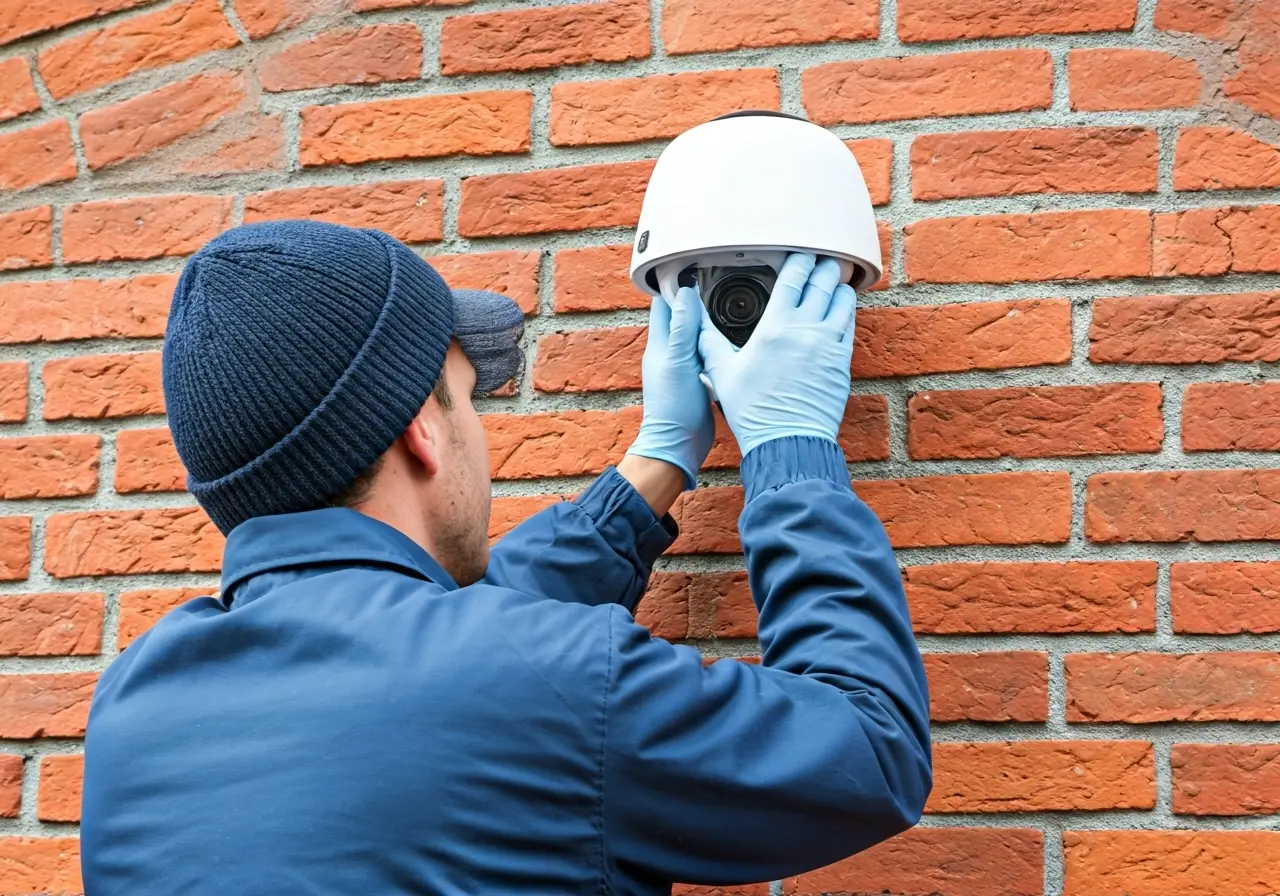
The mounting process requires a certain level of precision. Ensure that your chosen cameras are installed at an appropriate height to avoid tampering and maintain clear lines of sight. Avoid pointing cameras directly towards light sources like the sun or outdoor lighting to prevent glare or washed-out footage. If you’re uncomfortable with power tools or unsure about handling the installation, consider hiring a professional to do it for you. Properly mounted cameras are less likely to be displaced by wind or unintentional movements.
Once the physical setup is complete, it’s time to focus on connectivity. Connect your cameras to the recording device and ensure your network is robust enough to handle the data load. This often means ensuring your Wi-Fi is strong and reliable enough in all areas where cameras are installed. Testing connectivity and camera performance through an app that connects to your system can help fine-tune camera angles and detect any gaps in coverage. Finally, ensure your system is secure by changing default passwords and enabling encryption, further safeguarding your footage.
Maintaining and Updating Your Security System
Regular maintenance is crucial to ensure your security cameras remain operational. This includes cleaning the cameras, checking for any damage, and keeping the software updated. Regular updates will enhance the performance and reliability of your security system.
Routine checks can prevent small issues from escalating into significant problems. Dust and debris accumulation might affect camera clarity, particularly in Arizona’s dusty climate. Periodically clean the camera lenses using a soft cloth and lens cleaner to ensure clear footage. It’s also prudent to inspect camera mounts and housing for any signs of wear, such as rust or weathering, that might compromise stability. Regular maintenance can extend the lifespan of your cameras and prevent the need for costly replacements.
In addition to hardware maintenance, keeping the software up-to-date is vital for preserving the integrity and security of your system. Updates often include patches for vulnerabilities and performance enhancements, so ignoring them might expose you to the risk of hacking or decrease the efficiency of your surveillance. Set automatic updates where possible or set reminders to check for firmware updates regularly. This proactive approach ensures that your equipment stays current and protected against potential cybersecurity threats.
Finally, periodically review your system’s performance and adjust camera positions or settings as necessary. As seasons change, adjustments may be needed to accommodate for variations in daylight, shadows, or natural obstructions like tree growth. Also, as your security needs evolve, don’t hesitate to upgrade components of your system or expand it with additional cameras to cover new areas of interest. Ongoing vigilance and maintenance guarantee that your investment in security continues to provide the protection and peace of mind you desire.
Ensuring Strong Security with Proper Installation
Installing security cameras in Arizona doesn’t have to be complicated. By understanding your specific needs, adhering to local laws, and following best installation practices, you can ensure that your property is well-protected. With the right approach and attention to detail, you’ll enjoy greater peace of mind and security.